
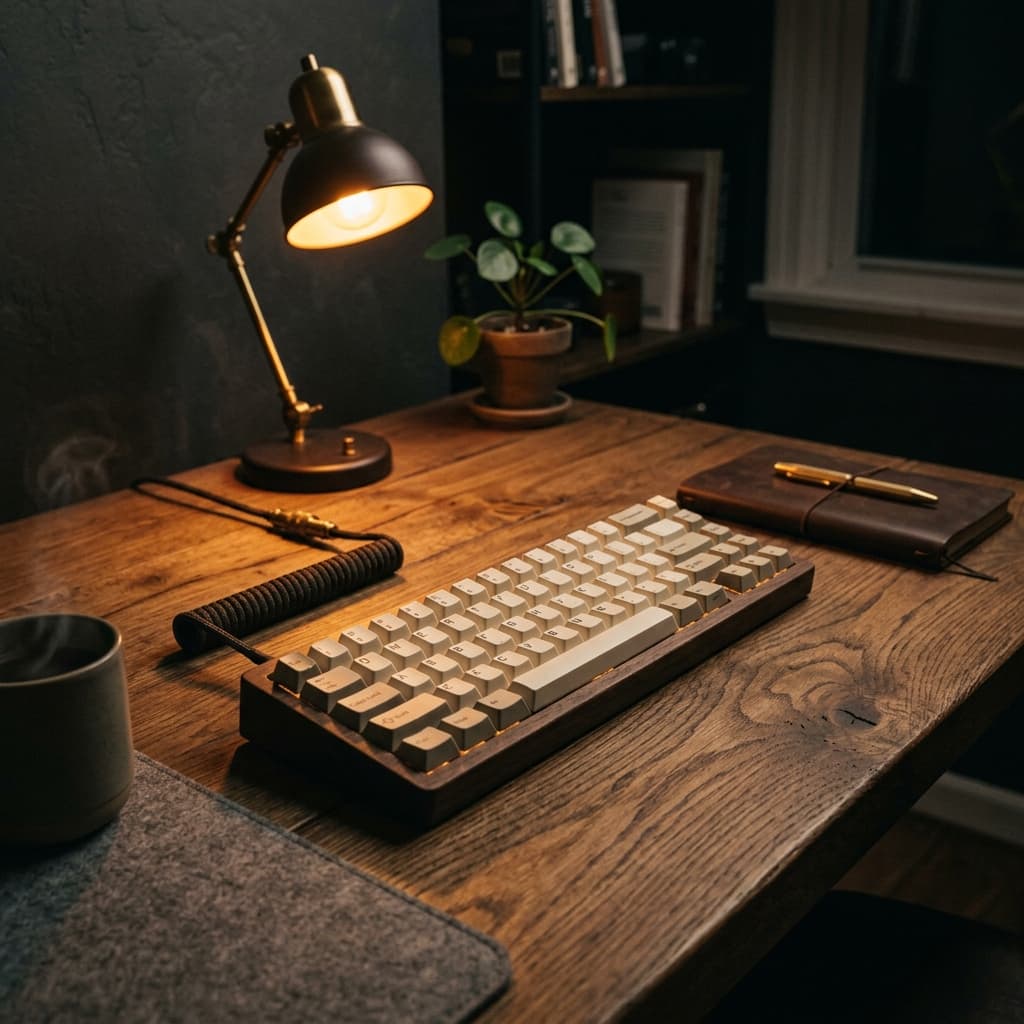
Your remote team, typing in the next room.
Cliks turns anonymous keyboard and mouse activity into ambient sound. You sit in the middle of the room — people work around you, never sharing a single keystroke.
Type anywhere on this page — same samples the CLI plays.
No keystrokes
Only that someone typed — never what
No microphone
Local samples, not a live audio stream
No account
A room is a code. That is it.
Open source
Read the CLI. Audit the relay.
How it works
From curious to in a room in under a minute.
- 01
Hear it
Play the room. That click is the whole pitch — ambient company without a call.
- 02
Make a room
Generate a code in about twenty seconds. No signup, no dashboard, no SSO.
- 03
Share two lines
Teammates install once, join with the code, and the desk fills up.
Start a room
Make a room. Text the code. Done.
No invites, no SSO. One person creates a room; everyone else pastes a code into the CLI.
Unused rooms clean themselves up after 48 hours. Any live connection refreshes the clock.
Free · no account
Create a room in 20 seconds
You get a code. Teammates join from their terminal. Nothing else to set up.
CLI
One command. No toolchain.
After install: cliks join YOUR-CODE
Prefer to read it first? install.sh on GitHub
Privacy
The creepy question, answered.
Can you read what I type?
No. Cliks immediately reduces local input to ‘keyboard activity happened.’ Key values, codes, and content never reach the relay.
Is this a microphone stream?
No. Teammates receive tiny timing pulses. Your computer plays local keyboard and mouse samples.
Can I use it alone or offline?
Yes. Run cliks solo for a local simulated desk with 1–12 coworkers and private soft-focus, slow-flow, or nature room tones. It uses no team, capture permission, or internet.
What gets stored?
Room name, code, and a password hash. Live presence is memory-only. Public rooms expire after 48 hours without a live connection; reconnecting refreshes the clock. Self-hosted rooms do not expire by default.
Does my terminal get input permission?
Not by default. macOS grants Input Monitoring to the separate Cliks Capture app, Linux uses an isolated system helper, and Windows needs no extra input permission. A clearly labeled direct compatibility mode is optional and reversible.
Can I use my own server?
Yes. Paste its HTTPS URL under Cliks → More → Server. The shared public relay stays at 20 people and 500 ms batching; self-hosting unlocks configurable room capacity and 100–2000 ms batches.